

Caller Options
The Caller Options tab allows you to manage your keypad routing and hunt groups.
Keypad Routing
Included with Free Signup
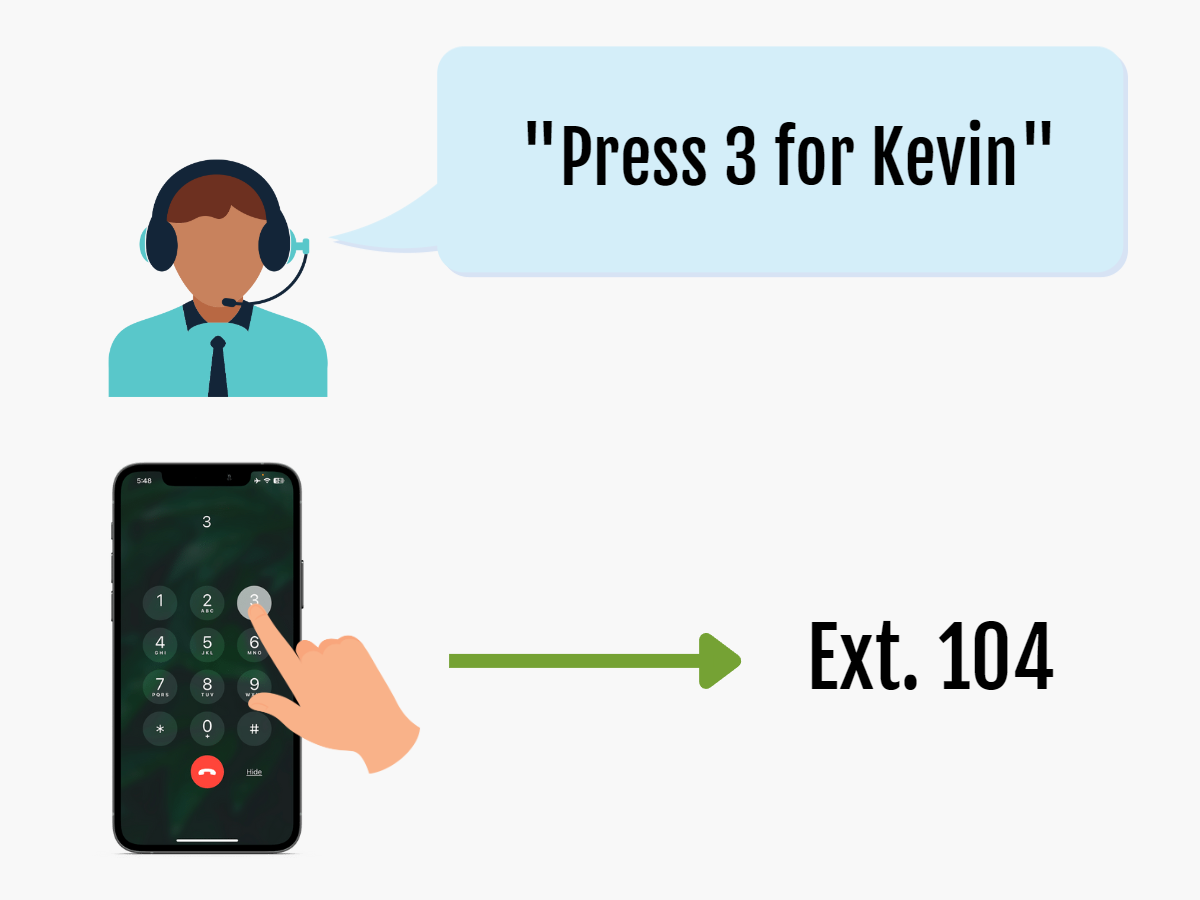
While in the receptionist menu, callers can press a single number on their keypad to instantly reach the department or person they need, without navigating multiple menu layers or directly dialing the 3-digit extension.
Hunt Groups
Included with Pro Upgrade
Hunt Groups are used when you need multiple extensions to ring together.
Assigning Keypad Routing
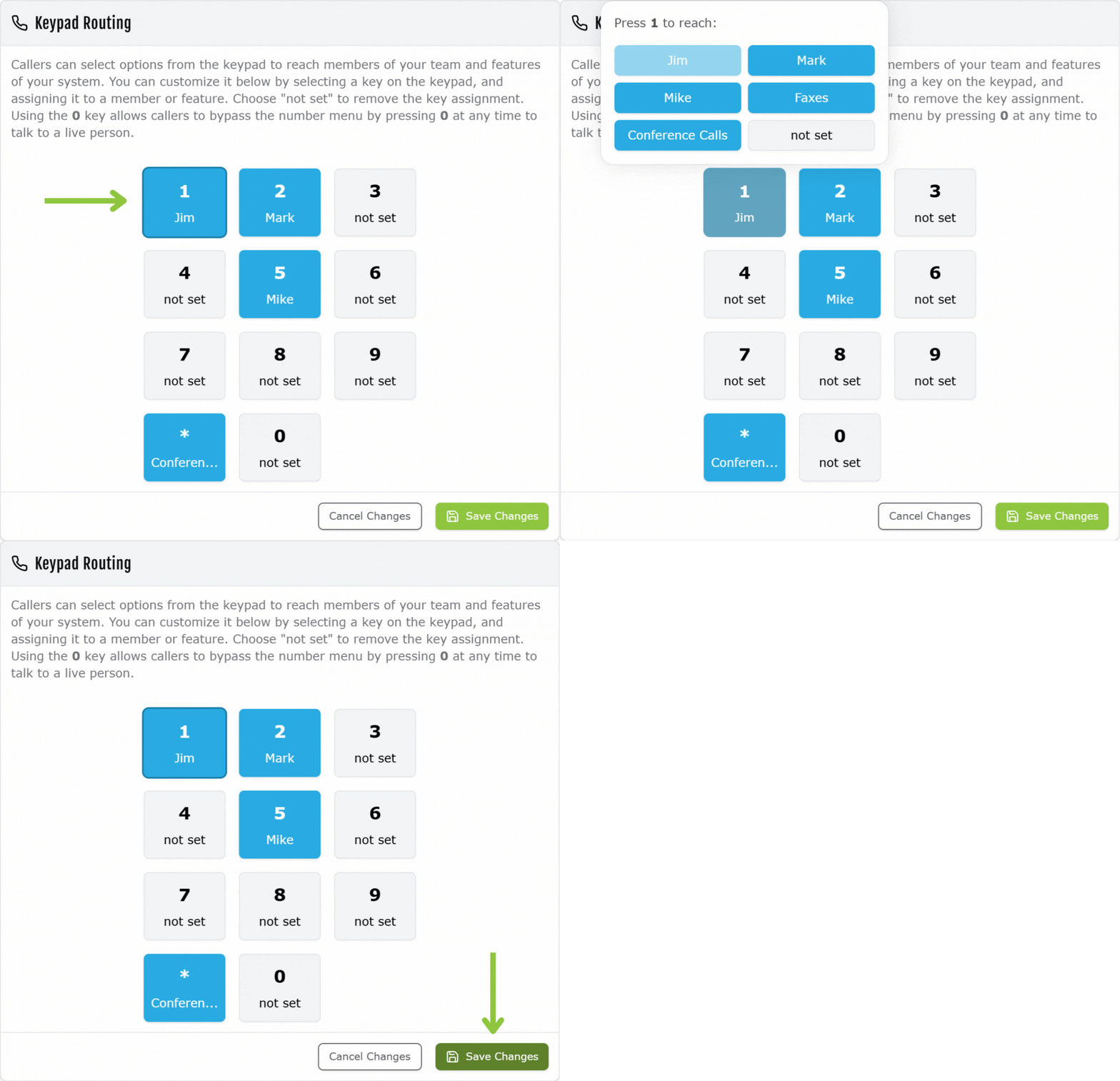
Under the Caller Options tab, you can modify the Keypad Routing. You have access to 11 caller options to set: numbers 0 – 9 and the star key (*). You will be able to assign any of your members. As a Pro user, you can also select your hunt groups or the conference call feature.
Using the example in this section, the member “Jim”:
- is extension 100
- is assigned to caller option 1
- can be reaching by caller via by dialing 1 or #100
